Time off and calendar app
Daybook
Time off, calendars and leave in one calm book. Everyone sees whose day is whose.
Overview
Leave requests usually live in a spreadsheet, a calendar invite and someone’s memory. Daybook keeps them in one place: a week calendar, a request flow that counts working days, and balances everyone can trust. We named it, drew the mark and documented the system in light and dark.
- Year
- 2026
- Scope
- Naming, identity, design system, dark mode polish
- Platform
- Web app
- Type
- Geist and Geist Mono
Idea
One book for everyone’s days
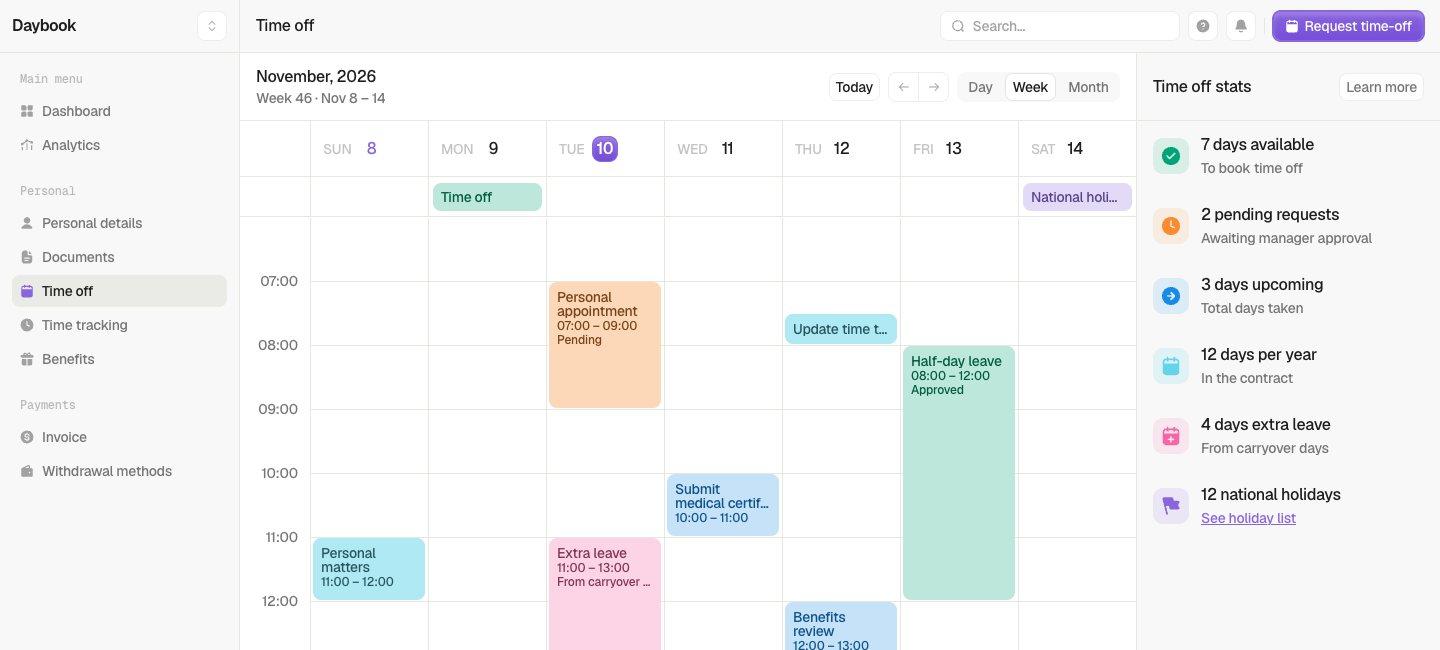
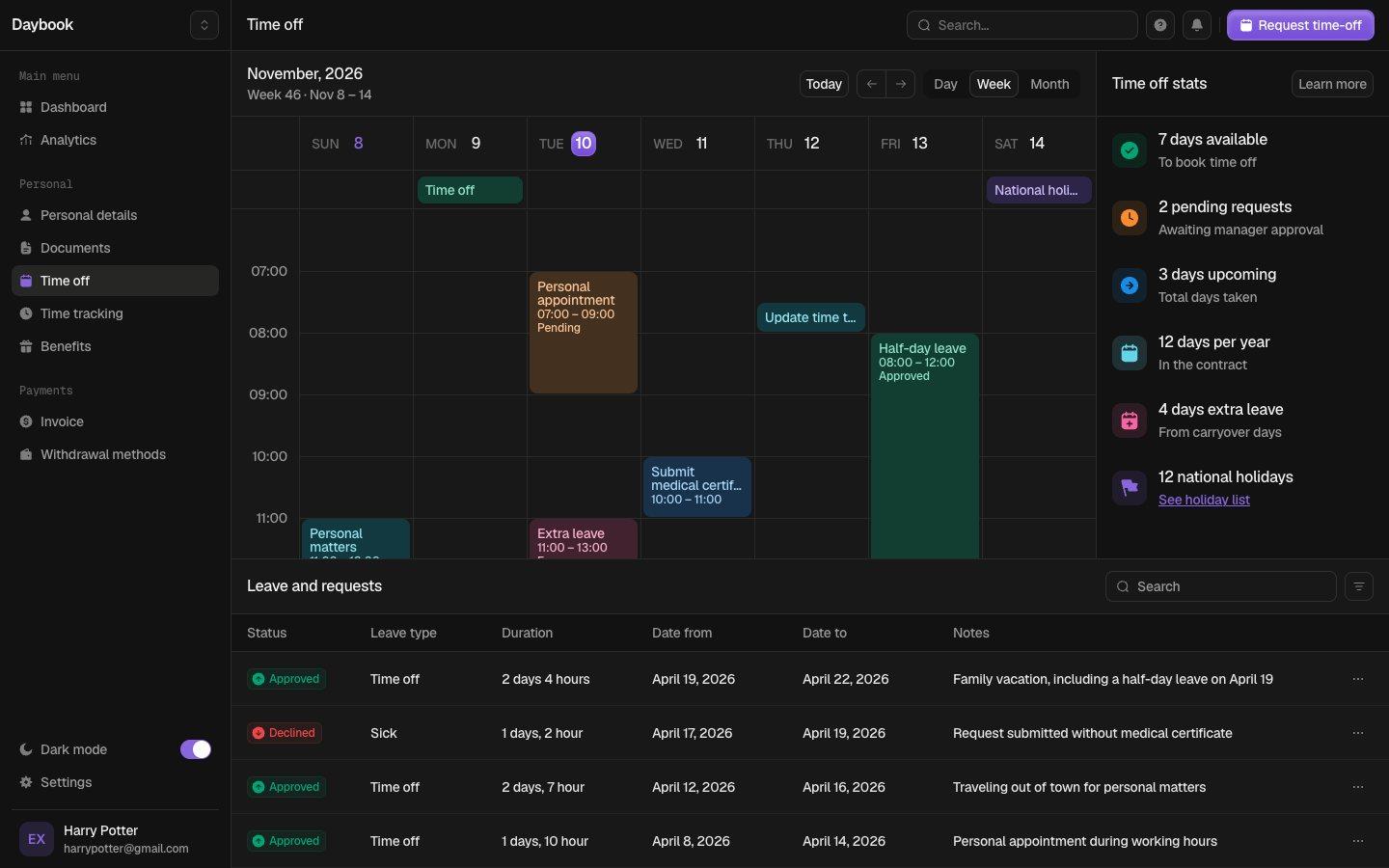
The product started with a working title and a strong calendar: week, day and month views, drag to create, overlapping events side by side, and a time off page that counts working days around weekends and holidays.
Name
Daybook
A daybook is a record of the days. It covers the calendar and the leave ledger in one word, sounds friendly in a people-ops tool and needs no explaining.
Mark
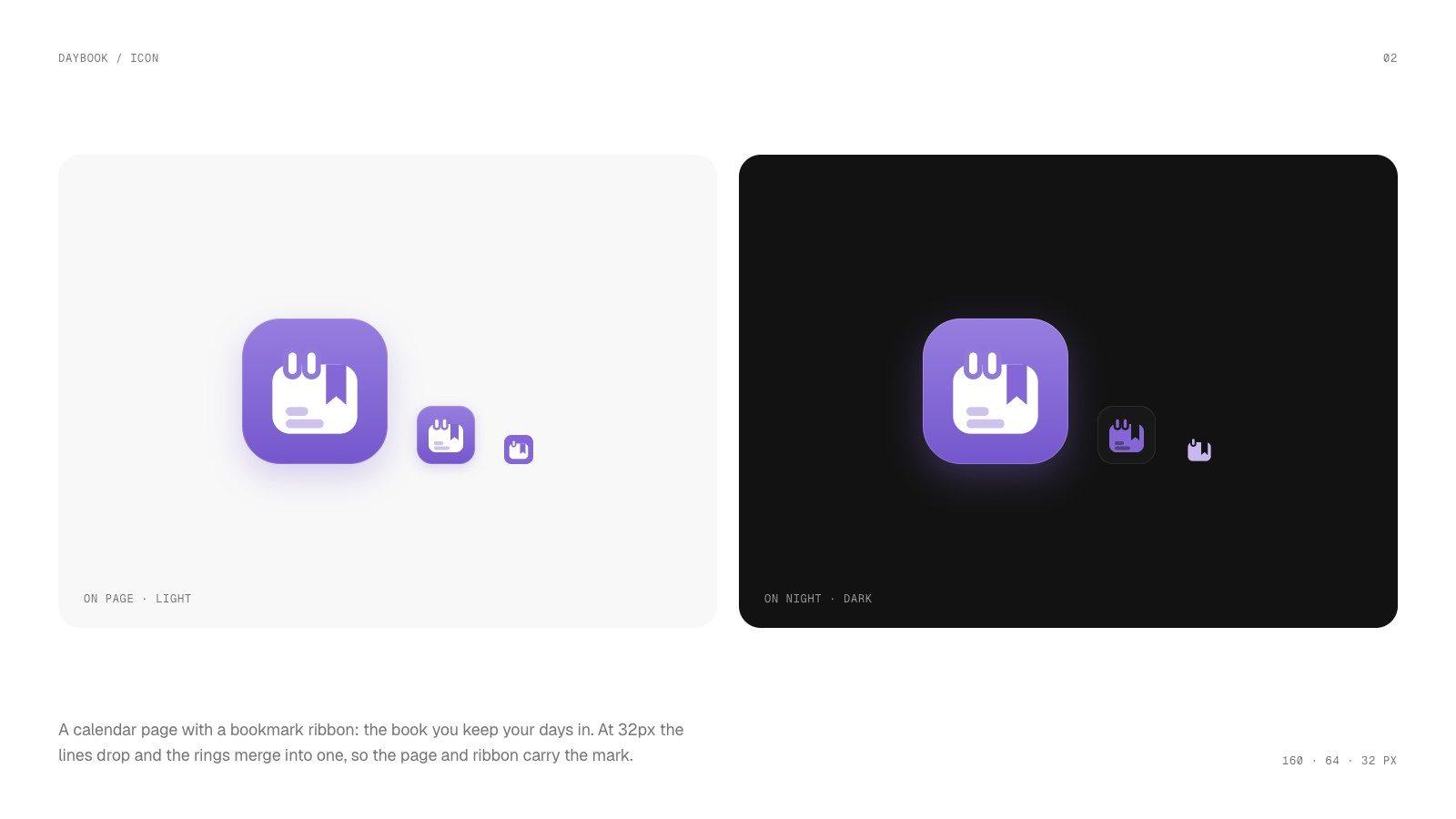
A calendar page with a ribbon
Binding rings at the top, a bookmark ribbon on the right and two lines of notes: the book you keep your days in. At 32 pixels the lines drop and the rings merge so the page and ribbon carry it.
Colour and type
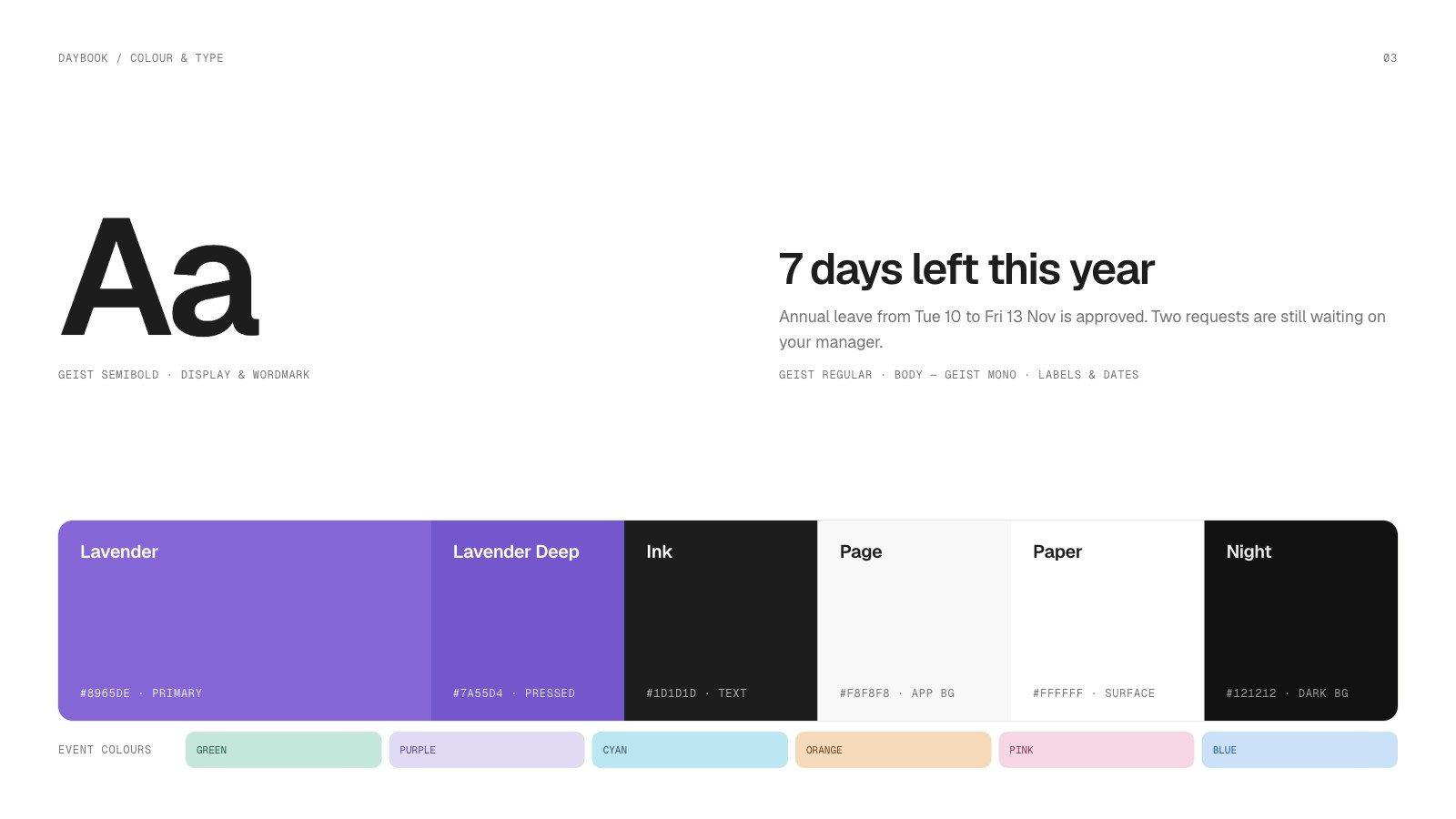
Lavender, ink and pastel tabs
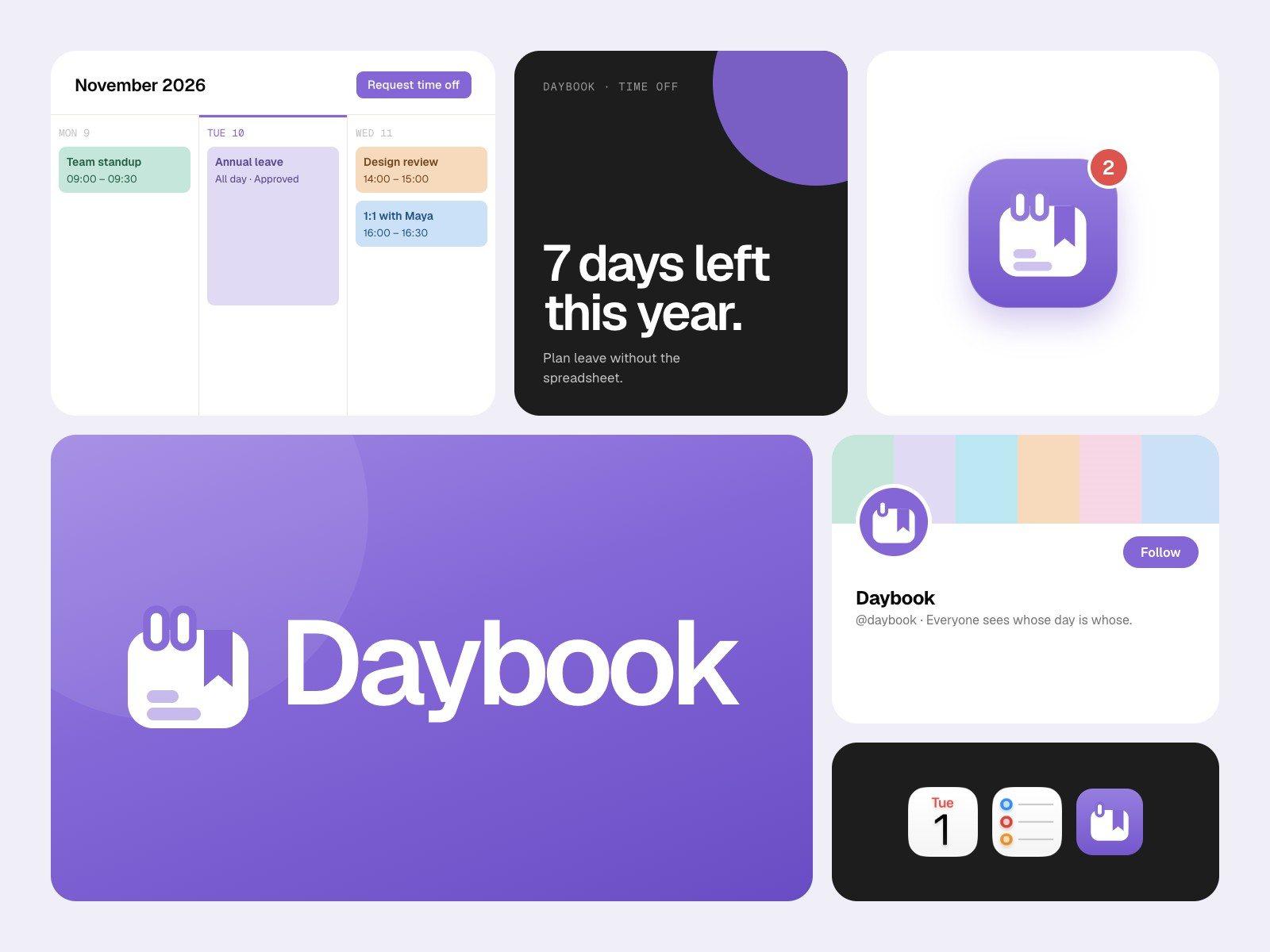
One lavender accent on a soft off-white page, near-black ink for text, and six pastel event colours that read like coloured page tabs. Geist for the interface, Geist Mono for dates and labels.
Design system
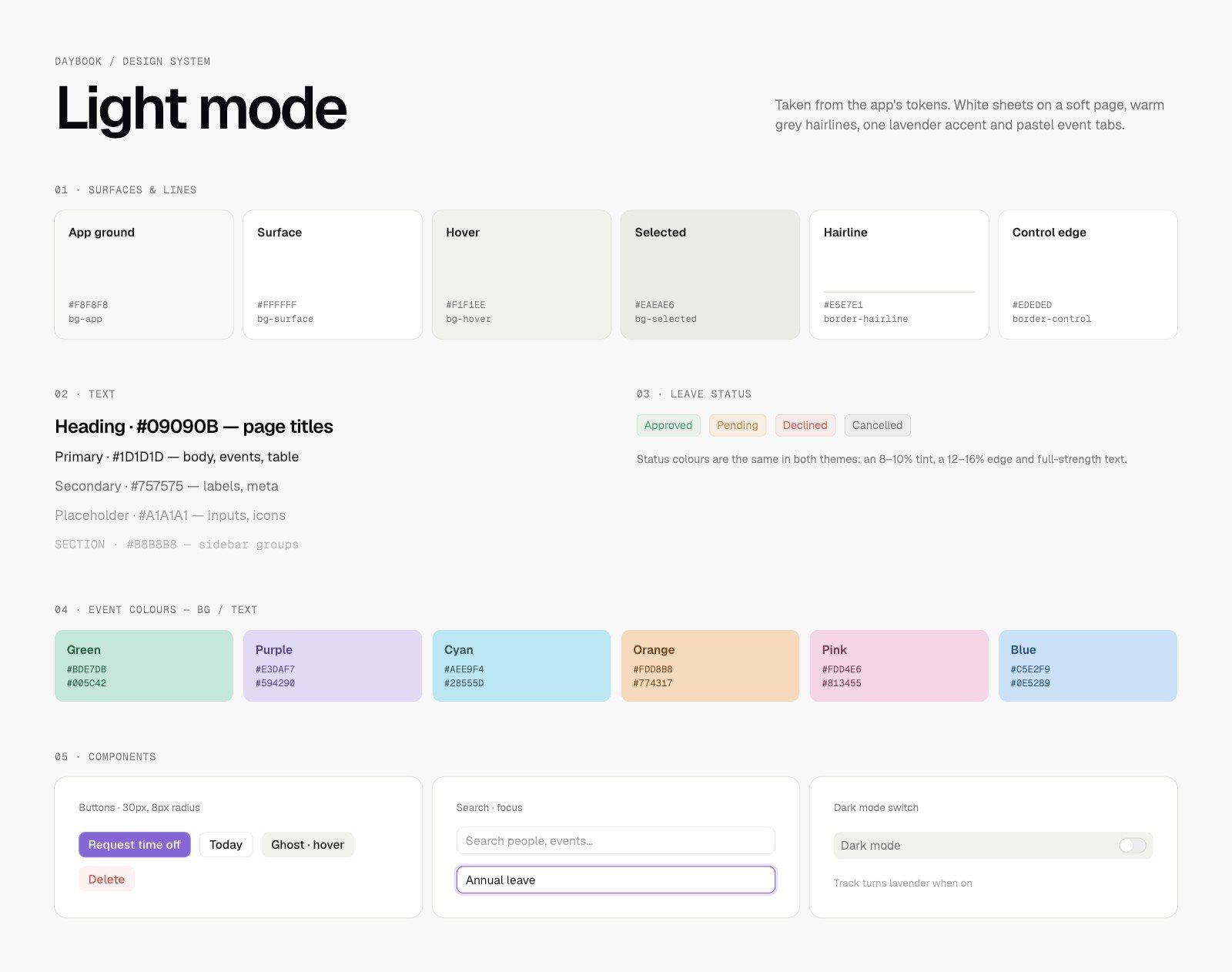
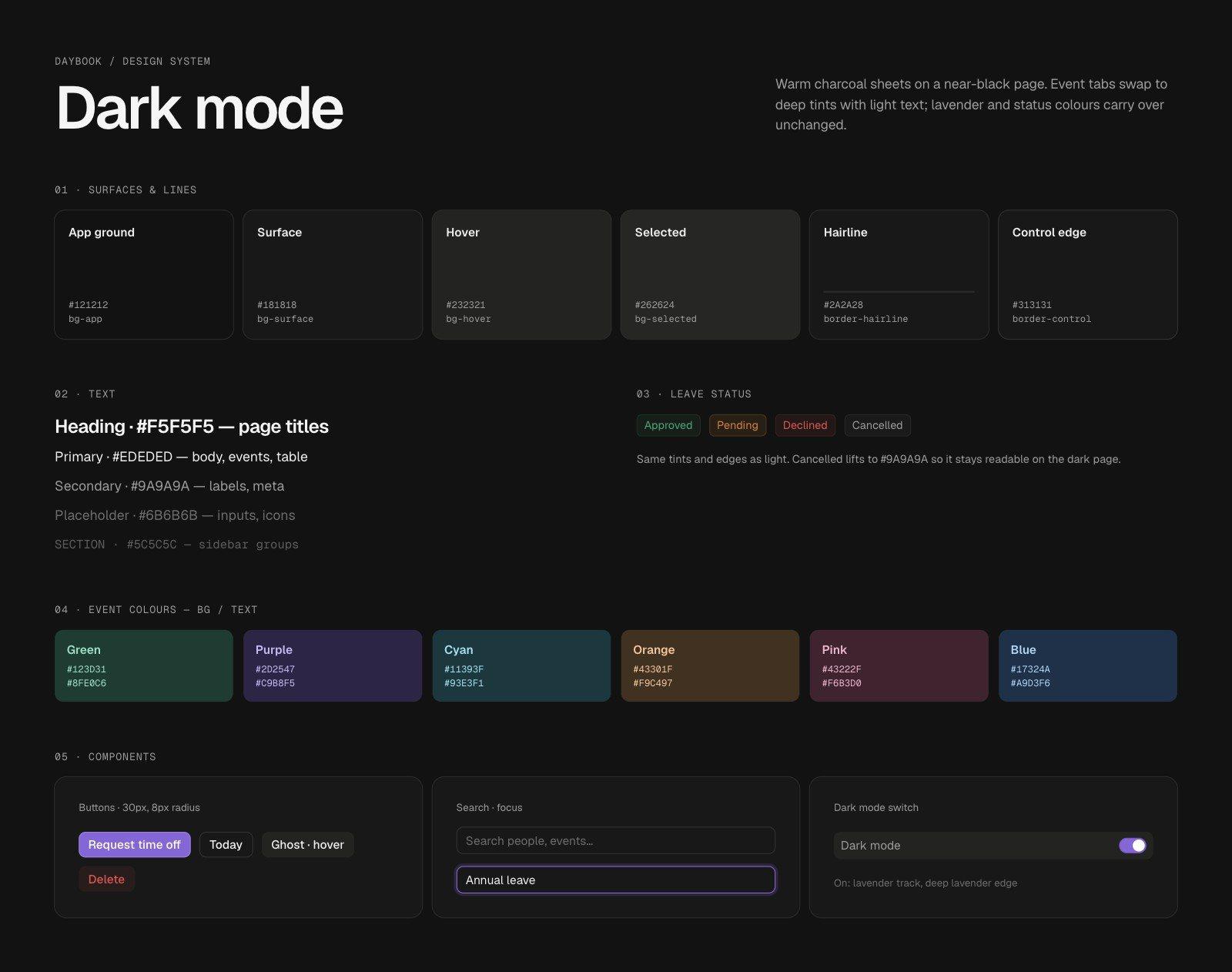
Both themes, documented
Light and dark sheets taken from the real tokens: surfaces and hairlines, text levels, leave statuses, event colours and components. The warm-grey dark theme stayed; we lifted the cancelled status so it reads on the dark page.
Product
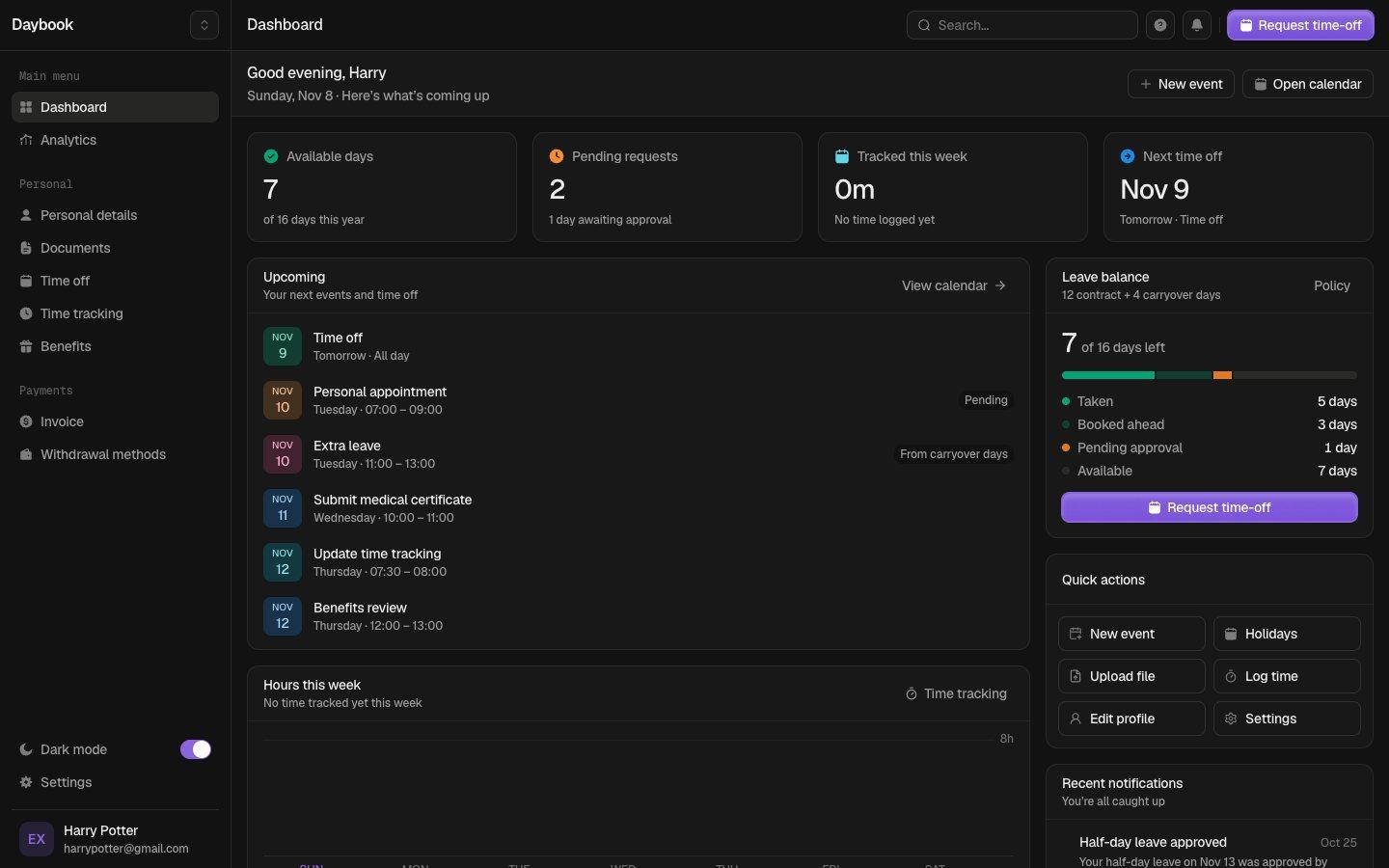
Every page, in both themes
The new name, icon and share image shipped across the app, with a migration so returning users see Daybook rather than the old working title. All ten pages were checked in dark mode.
Launch
Ready to share
The lockup on lavender and on night, and a brand presentation with the week view, a poster and the app icon.


Next project
Stride →
Team issue board and brand